Desktop:
Step 1:
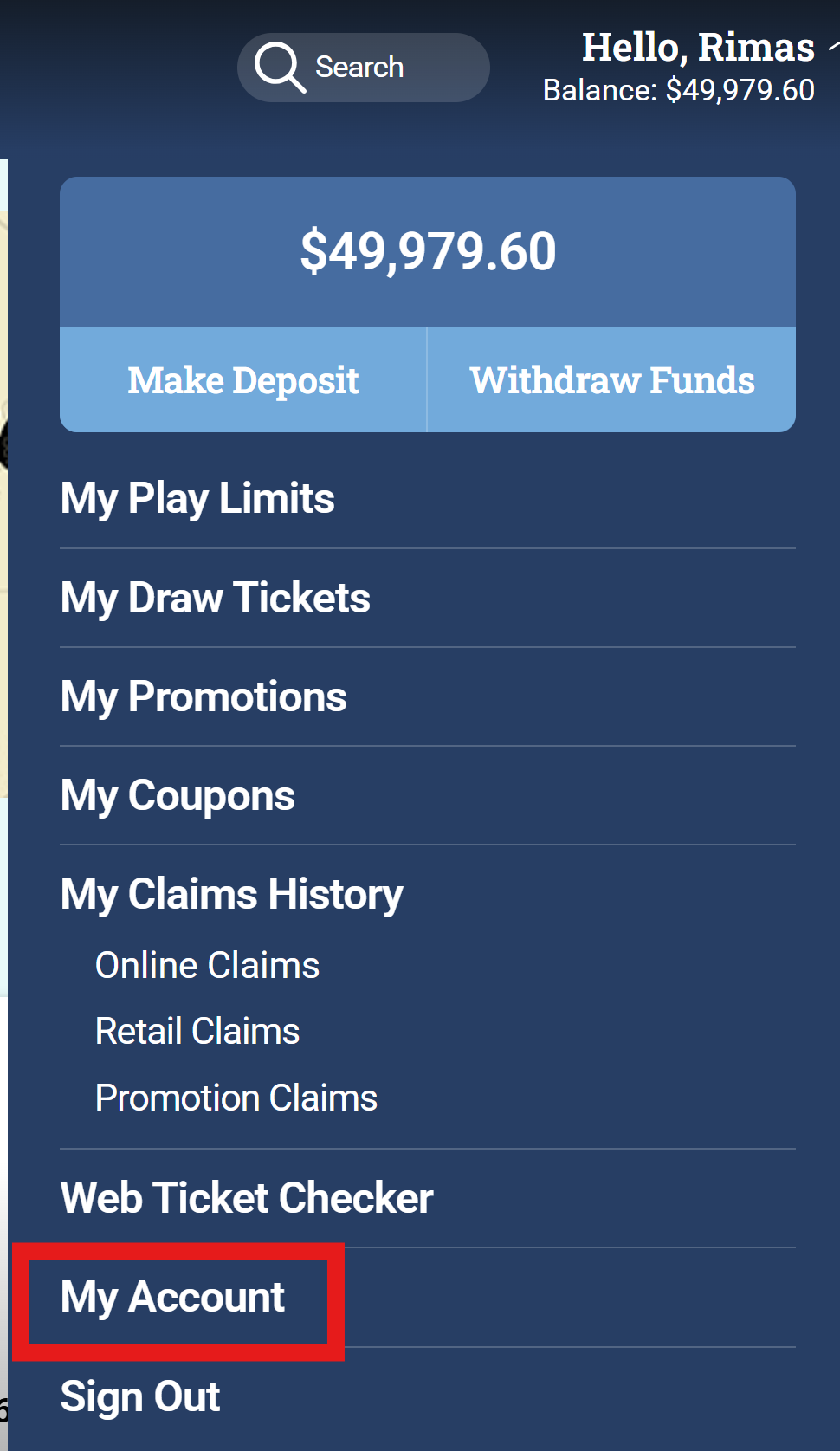
While logged in, click on “Hello, (Your Name)” in the top right corner, then click on “My Account”.
Step 2:
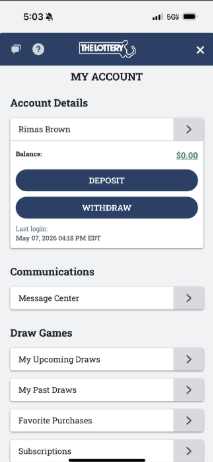
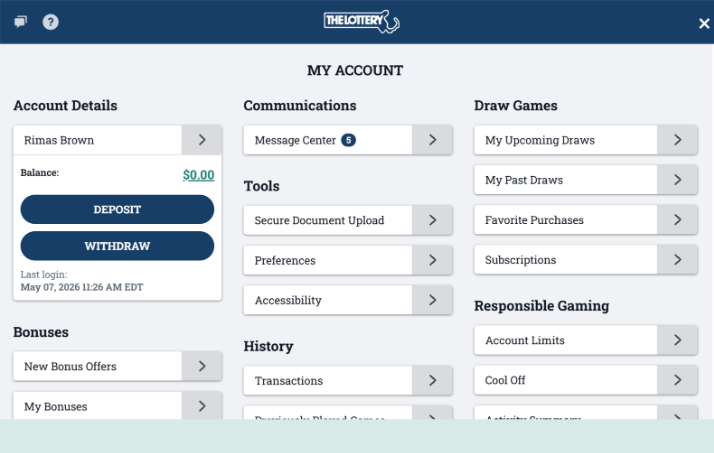
You will be taken to the “My Account” dashboard. Here you can access features like Account Details, Communications, Draw Games, Bonuses, History, and Responsible Gaming.
Mobile:
Step 1:
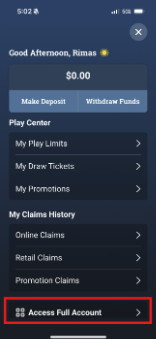
Click on the  icon in the top right corner, then click on “My Account”.
Step 2:
You will be taken to the “My Account” dashboard. Here you can access features like Account Details, Communications, Draw Games, Bonuses, History, and Responsible Gaming.