Step 1:
Click on “Hello, (Your Name)” in the top right corner, then click on “My Account”.
Step 2:
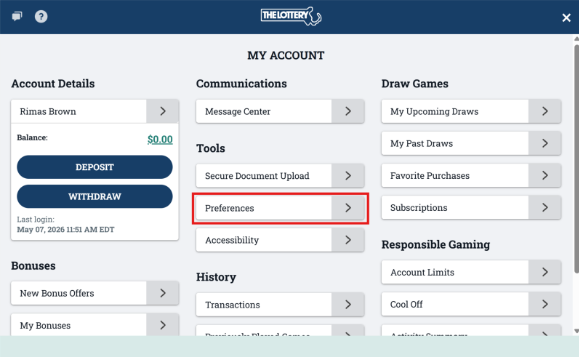
Click on “Preferences" underneath the “Tools” section.
Step 3:
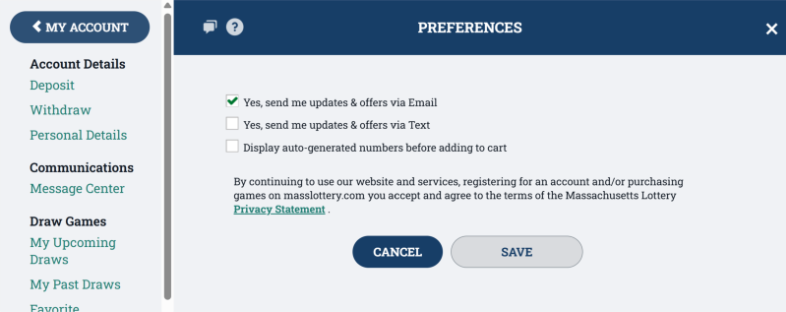
Here you can update your notification preferences for email and text. You can also choose to display auto-generated numbers before adding to cart. Check the box to turn the preferences ON, and uncheck the boxes to turn them OFF.