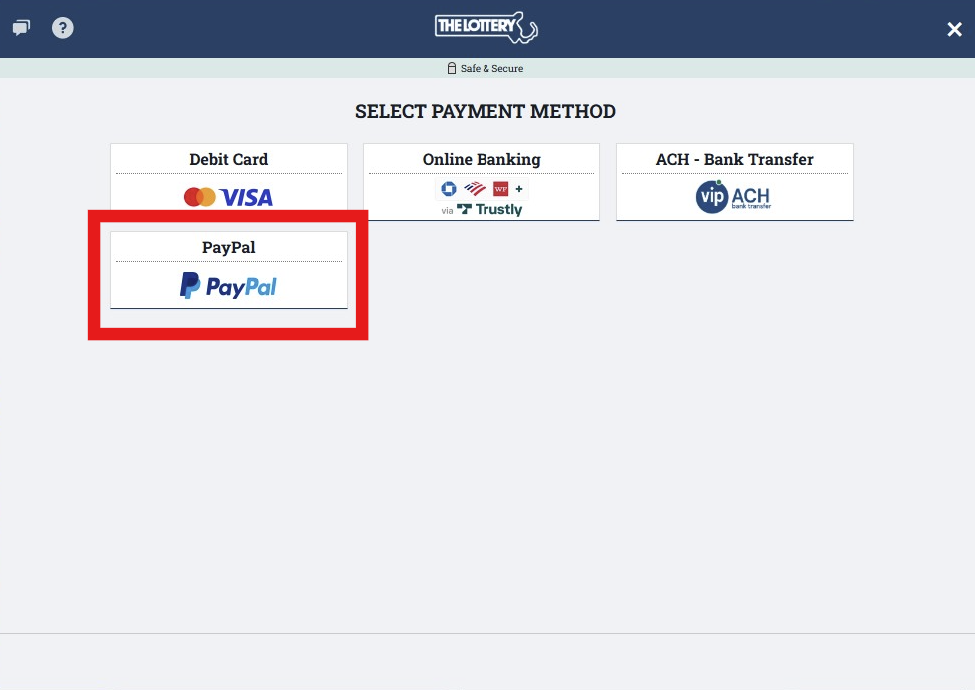
1. Choose the PayPal option on the screen provided.
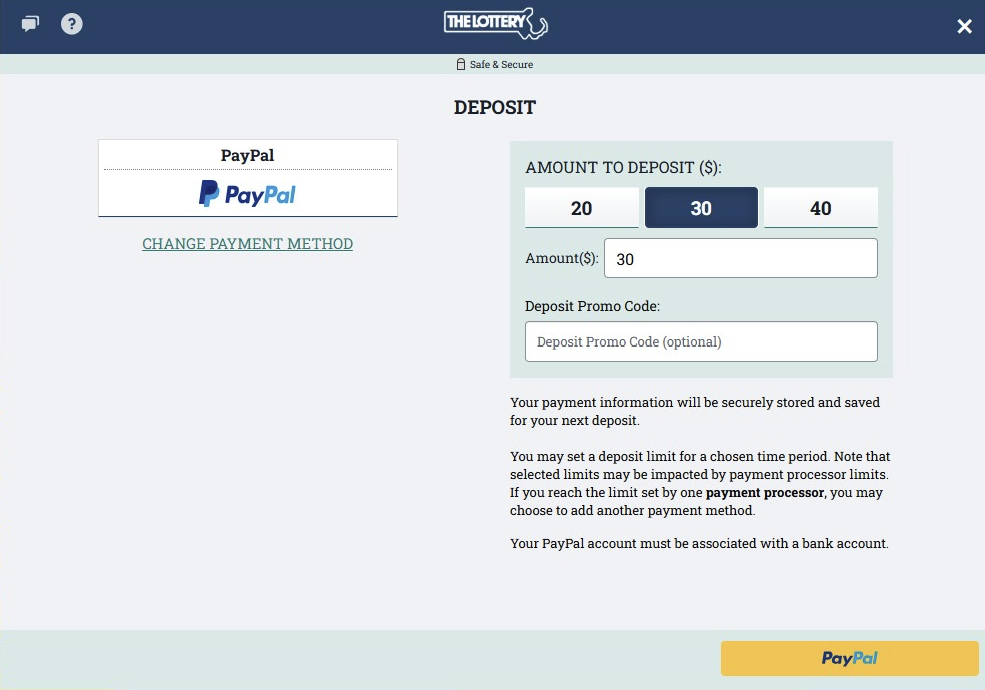
2. Select or manually enter the amount to deposit, and click "Submit" to proceed.
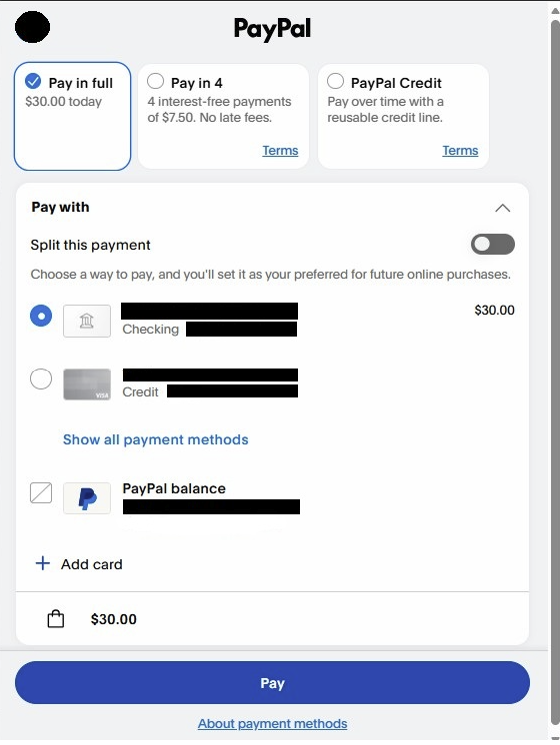
3. Once you click "PayPal", the external PayPal screen opens in a new window, you can then login and complete the transaction details.
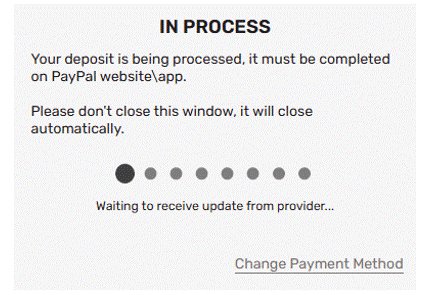
4. During the time the PayPal window is open, a message will remain on the Deposit screen in case the player attempts to go back to the cashier prior to a response from PayPal.
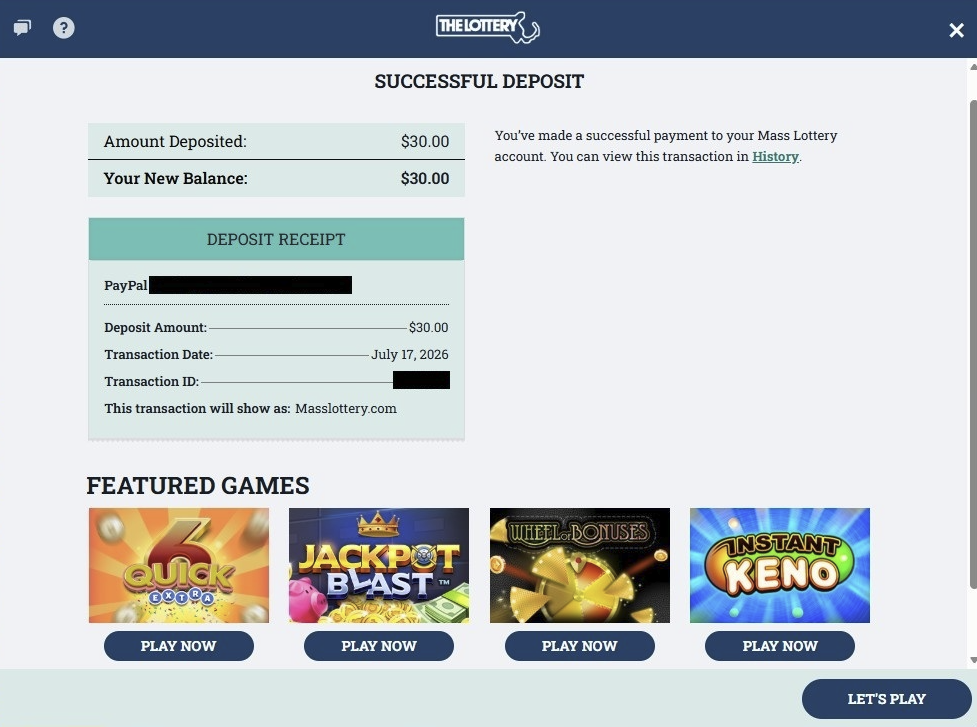
5. Once the transaction is complete, you will be redirected back to the site, and your account will be credited with the funds. Please play responsibly!